Shadeer
Real-time shader effects for images and video — in the browser.
SUMMARY
Shadeer is a browser-based creative tool designed for fast visual experimentation. It helps designers and creators explore real-time effects without the complexity of traditional creative software.
CONTEXT
Exploring a faster way to create visual effects
The project started as a personal exploration of creative tools, shaders, and AI-assisted product development. I wanted to understand what a designer can build when design, prototyping, and implementation happen closer together.
I used Claude Code as part of the process, not just to build faster, but to test how AI can help a designer move from idea to working product without a traditional handoff.
PROBLEM
The space between simple filters and creative software
Most visual editing tools are either too limited or too heavy.
On one side are quick filter apps that make editing easy but offer little creative control. On the other are professional tools that are powerful, but often expensive, complex, and designed for much larger workflows.
When I want to explore a visual idea, I don't necessarily want to open a desktop application, create a project, import assets, and spend time navigating dozens of settings. Sometimes I just want to open a browser tab, try a few directions, and continue working.
Conversations with designers and creators revealed a similar pattern: quick filter apps felt limiting, while professional tools often felt excessive for early-stage exploration.
That gap became the starting point for Shadeer.
The goal was to make visual experimentation feel immediate, while still giving users enough control to create something personal and distinctive.
This landscape revealed an opportunity between lightweight effect tools and professional editing software, the space Shadeer set out to explore.
GOALS
Keep the experience fast, visual, and approachable

Reduce time to results
Upload, apply, adjust, and see the result without unnecessary steps.
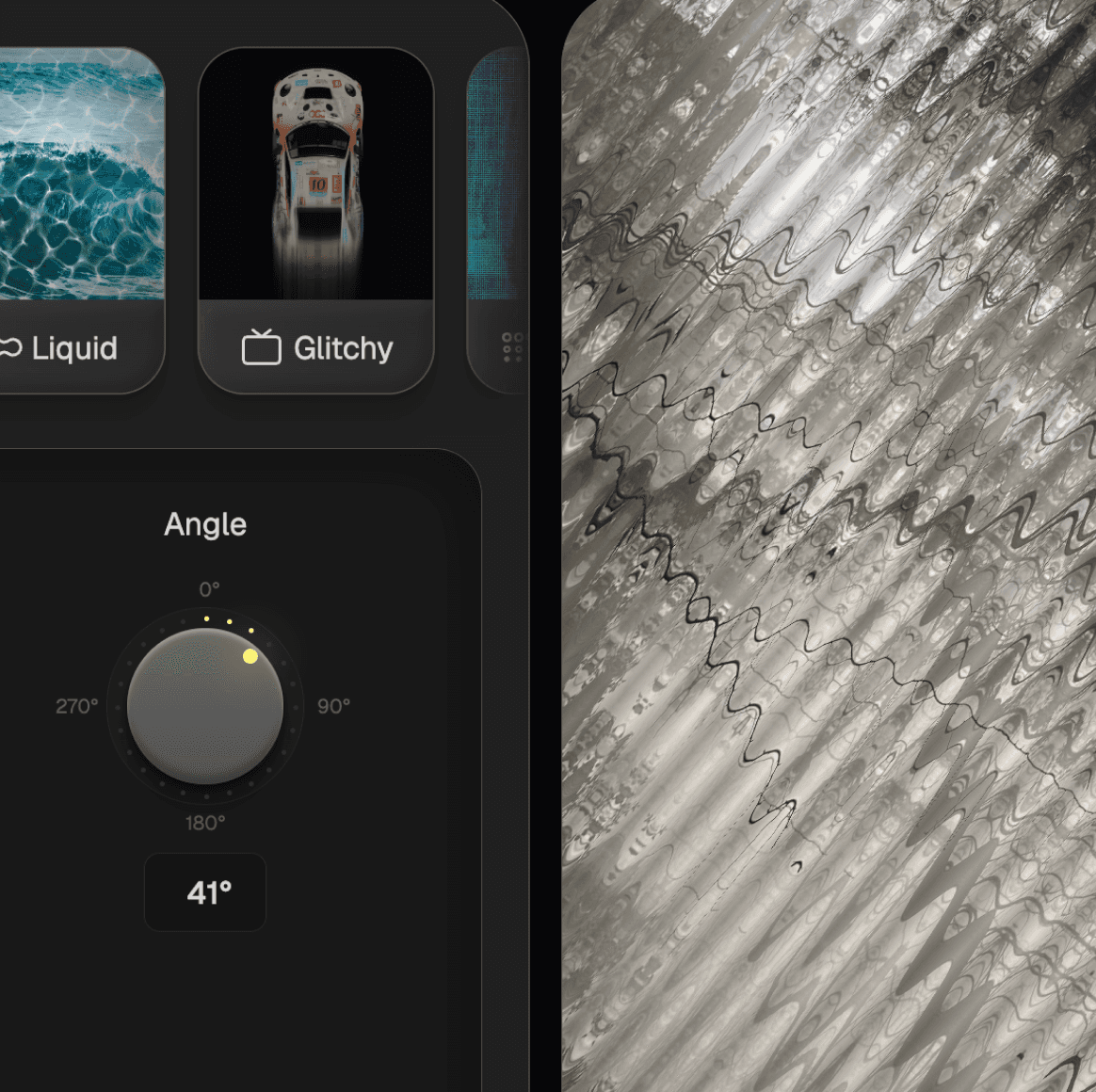
Make exploration visual
Help users understand effects through previews and direct feedback, not technical names.
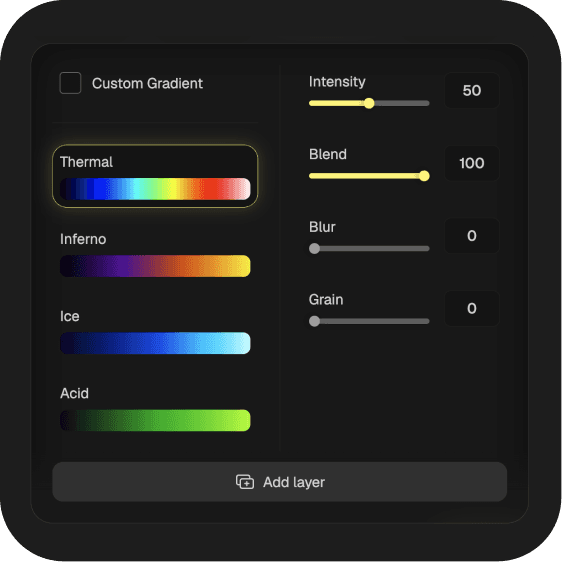
Hide tech complexity
Keep controls familiar and outcome-focused instead of exposing shader logic.
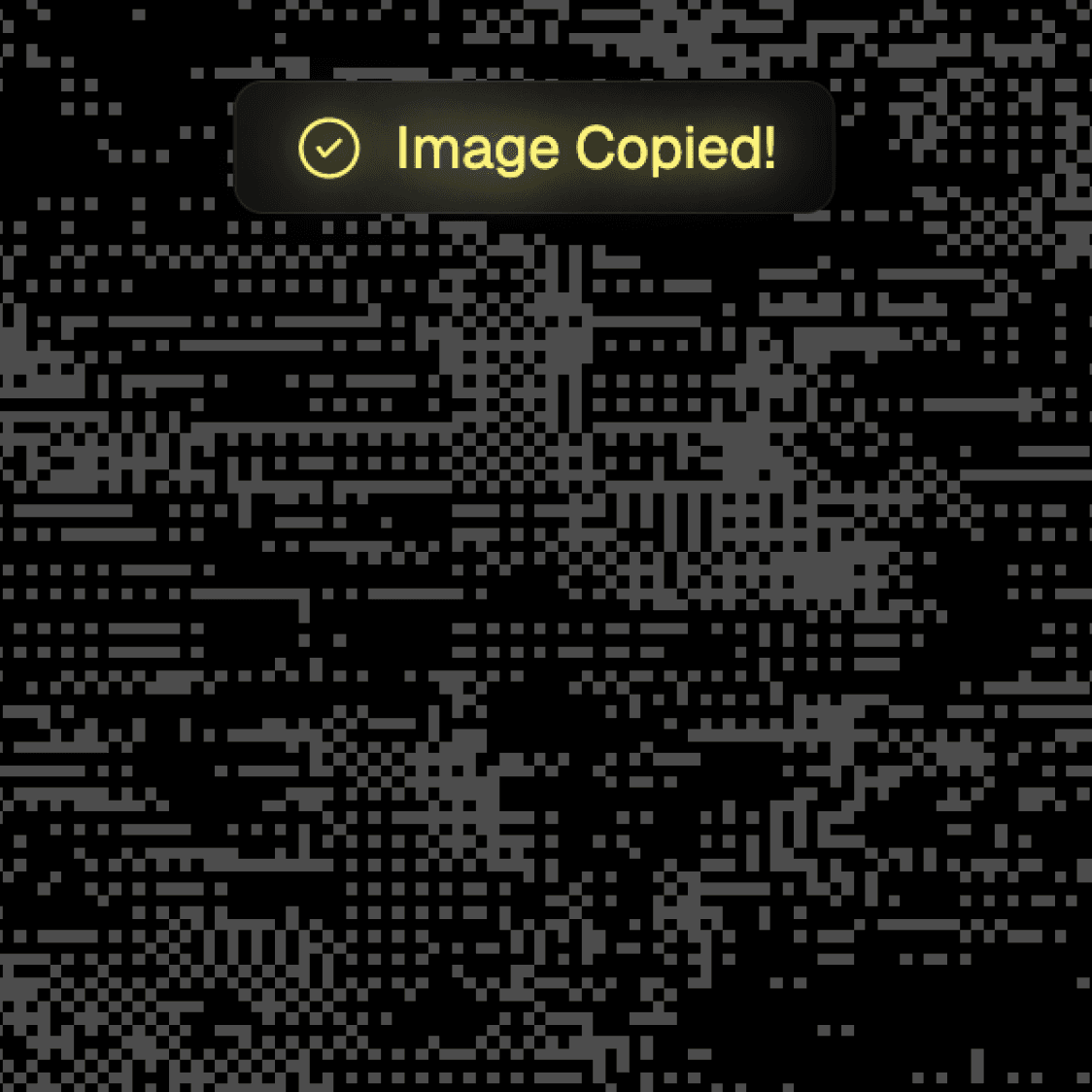
Clipboard support
Allow users to copy results directly to the clipboard and quickly move assets between tools like Figma, Photoshop, Slack, or Notion.
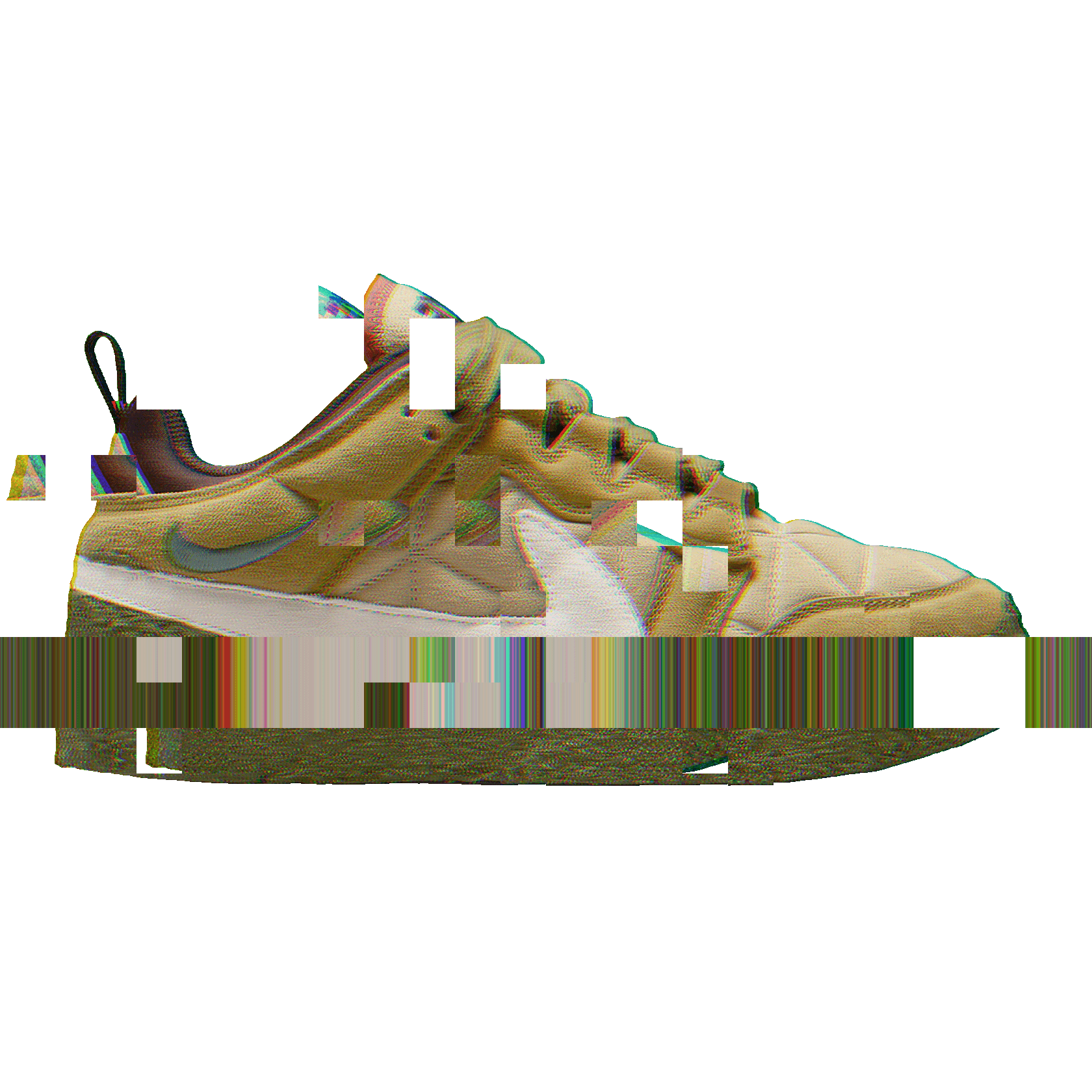
Transparent assets
Effects should work on transparent images, making the tool useful for illustrations, UI assets, and other design resources.

Work anywhere
Deliver a consistent experience across desktop and mobile without requiring installation.
SOLUTION
A single-screen editor built around fast experimentation
The main product decision was to keep the canvas, effect previews, and controls visible together. This reduces context switching and makes editing feel closer to playing with the image than managing settings.
Editor: Desktop
VISUAL DISCOVERY
Previews help users understand directions before applying them
LAYER BASED WORKFLOW
Users can stack, hide, reorder, and remove effects without losing previous work.
LIVE EDITING
Changes appear directly on the canvas, keeping feedback immediate
QUICK COPY TO CLIPBOARD
Results can move quickly into the tools creators already use.
Interaction Details
Layer-Based Editing
Mobile Experience
OUTCOME
What shipped
Shadeer evolved from a technical experiment into a working browser-based creative tool for images and video.
The product includes:
Real-time visual effects
Layer-based editing
Clipboard support
Transparent asset support
Desktop and mobile experiences
Image and video export

To better understand how people use the product, I integrated PostHog and tracked overall experience. This provides visibility into how users interact with the editor and helps inform future improvements.
NEXT STEPS
Improvements and polishment
PRESETS AND SHARING
Save and share named effect configurations through a URL, making it easier to reuse and distribute visual styles.
UNDO / HISTORY
Support safer experimentation with a lightweight history stack that makes it easy to compare ideas and recover previous states.
FIGMA PLUGIN
Apply effects directly inside Figma without switching tools, reducing friction in existing design workflows.
PERFORMANCE & OPTIMIZATION
Continue optimizing rendering and export performance to keep experimentation fast, even with larger assets and more complex effect combinations.
LEARNING
Insights
People care about results, not effects
One thing that became clear while building Shadeer was that creators care more about what they can make than how the effect works under the hood. Features like instant previews, clipboard support, and transparent assets often felt more valuable than adding another effect.
AI helped me get ideas into users' hands much faster
One of the goals behind Shadeer was to explore AI-assisted product development in practice. Working with Claude Code made it possible to move from an idea to a working prototype much faster and test decisions in the product itself instead of relying only on mockups.
The best ideas appeared after launch
Many decisions that seemed obvious in Figma became much clearer once the product was live. Connecting PostHog and watching real sessions helped me understand how people actually used the editor and where the biggest opportunities for improvement were.